

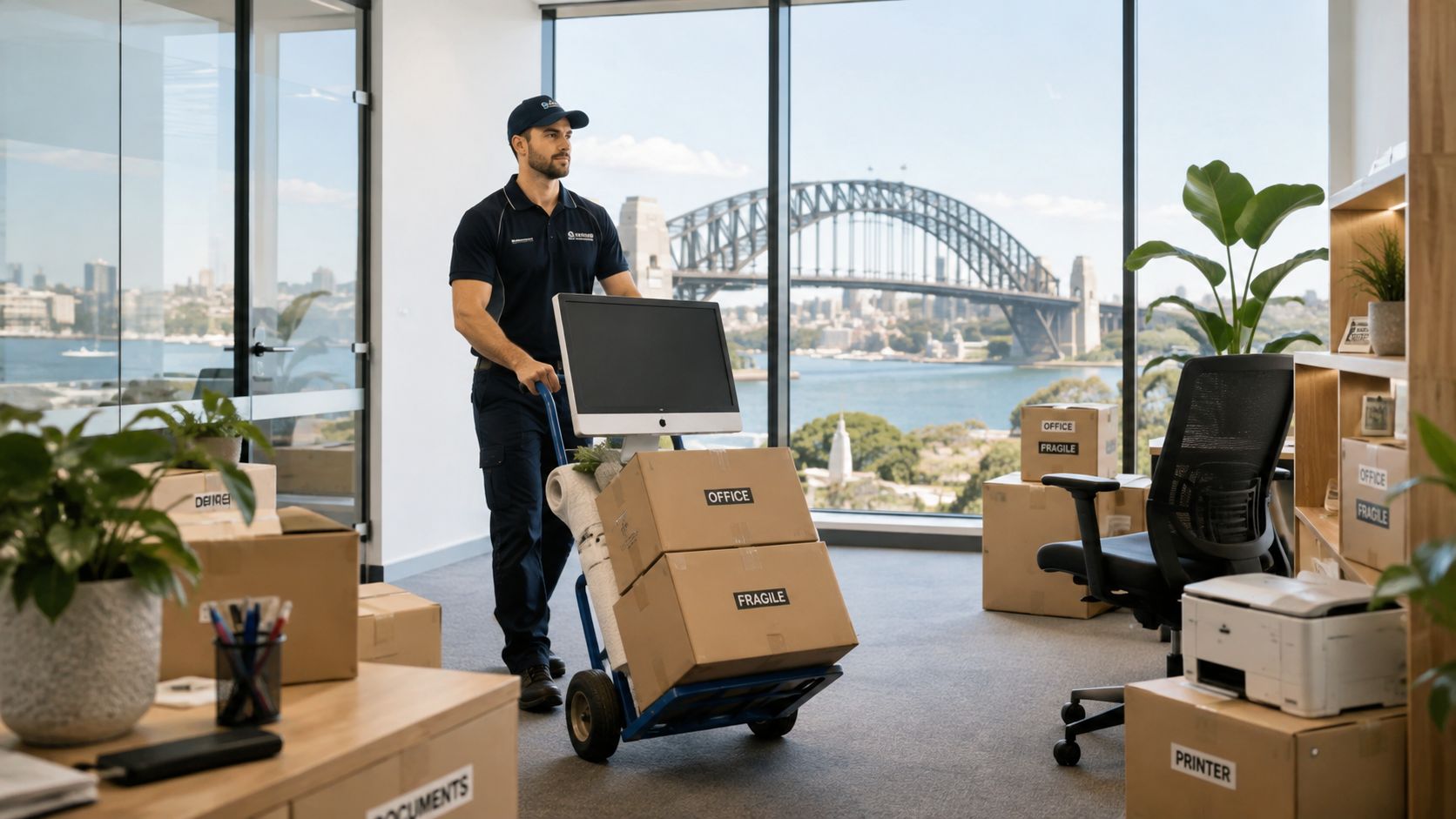
The truck has arrived, the desks are in place, and staff are ready to log in. Then someone discovers the comms-room power isn't live, the NBN activation hasn't been confirmed, and half the monitor cables are in an unmarked carton. The physical move is complete, but the office can't operate.
That's the hidden risk in an office equipment relocation. Desks and chairs are visible, while network dependencies, access bookings, backups and destination labels determine whether the business goes live. For Sydney businesses, building restrictions and tight leasing windows add another layer, particularly when a move involves IT equipment, furniture, archives and staged fit-out work.
Planning Your Office Equipment Relocation Timeline
A failed move usually starts weeks before the removalists arrive. A business may book transport before confirming the new office's power, network service, lift access or comms-room permissions. By move day, the crew can only work with the information and access available.
A practical approach is a 12-week pre-move programme. Start with an asset register, workspace mapping and dependency checks. The register should identify furniture, workstations, printers, servers, switches, phones and archives. The dependency review should confirm IT, telecommunications, power, building access and fit-out readiness. This creates time to resolve long-lead items such as furniture deliveries, network circuits and communications-room preparation. Australian office relocation guidance highlights these same planning risks, including internet activation, patching, power and move-day project management.

The 12-week sequence
- Weeks 1 to 4, define the move: Confirm the lease dates, approved floor plan, destination workpoints, equipment list and business-critical systems. Walk both sites with the building manager and IT representative.
- Weeks 5 to 8, coordinate vendors: Confirm the removalist, IT support, telecommunications provider, furniture installers, building access and any storage or recycling arrangements. Use a written project schedule rather than relying on email threads. PSL project scheduling advice is useful for assigning ownership, dependencies and decision points.
- Weeks 9 to 11, execute preparation: Tag assets, photograph complex connections, verify backups, confirm network and power readiness, and pack non-critical items. A workpoint move matrix should be complete before labels are applied.
- Week 12, move and go live: Complete the final disconnect, transport priority equipment, reconnect infrastructure, test essential systems and resolve issues with a nominated manager on site.
Sydney's office market makes this discipline more important. The national CBD office vacancy rate reached 13.7% in H2 2024, the highest level since the mid-1990s, while non-CBD vacancy was 17.2%. Sydney and Perth still recorded improved net absorption, showing that some tenants were expanding or consolidating rather than leaving the market entirely. Oxford Economics' Australian office vacancy analysis explains why vacancy, new supply and tenant churn can create more fit-outs and staged equipment moves.
For a Sydney-specific downtime checklist, use this office move planning guide alongside your project schedule.
Building an Asset Register and Move Matrix
A quote based on “desks, computers and some boxes” isn't a relocation plan. Before packing begins, record what exists, what will move, where it belongs and how it must be handled. Include ordinary furniture as well as equipment that can stop the business if it arrives late or gets disconnected incorrectly.
Record every asset with a stable destination code
A useful register contains:
- Furniture: Desks, chairs, boardroom tables, storage units, filing cabinets and modular workstations.
- Technology: Monitors, computers, docking stations, printers, scanners, servers, switches, patch panels, Wi-Fi equipment and phones.
- Shared equipment: Multifunction printers, audio-visual systems, kitchen appliances and mailroom items.
- Special handling items: Glass furniture, large-format printers, server racks, artwork and equipment with manufacturer transport requirements.
Give each asset a unique identifier. Record its current room, destination room or workpoint, condition, serial number where relevant, owner or department, and handling requirement. A monitor might be tagged LEVEL2-WP18-MON01; a printer might use LEVEL2-PRINT03. The important point is consistency. Employee names change, but destination codes remain useful to the moving crew and installation team.

Turn the register into a workpoint map
The move matrix is the working document that connects the old office to the new one. It should show the origin, destination, asset ID, department, priority, packing group and any technical or manual-handling instruction.
For example, a finance workstation may require a monitor, dock, keyboard, two cables and a specific power location. A reception position may need a phone, printer access and a different priority from a spare desk. A comms-room switch should be separated from general furniture and assigned to the IT reconnection sequence.
Label the equipment, its cable bundle and its carton with the same destination code. Place priority loads in clearly marked containers, not loose on a trolley. Photograph complex connections before disconnecting, then use cable labels that identify both the device and the destination port or workpoint. Weak labelling causes re-termination delays, missing peripherals and desk rework after transport.
Practical rule: If a crew member can't tell where an item belongs by reading its label, the move matrix hasn't done its job.
The register also helps reduce cost. Identify obsolete technology, duplicate furniture and items that won't fit the approved layout before they consume packing, transport or storage capacity. Once the matrix is ready, request a detailed office moving quote based on actual assets and destinations rather than a rough room count.
Managing IT and Network Equipment Relocation
IT equipment needs its own workstream. Treating servers, switches and phones like ordinary cartons is one of the quickest ways to create downtime. The correct sequence is controlled disconnect, secure transport, re-racking and reconnection, then post-move testing and sign-off. Australian IT relocation guidance applies this workflow to servers, switches, patch panels, workstations, printers, Wi-Fi equipment and phone systems. Office IT relocation guidance also stresses backup verification, dependency mapping and destination readiness.

Survey early, verify dependencies, then disconnect
Complete the site survey and relocation plan 6 to 8 weeks before the move. Confirm rack positions, patching, power, cooling, access, cable routes, internet service, phone requirements and the location of workpoints. Don't assume the new comms room is ready because the room looks finished. A rack can be installed while power circuits, patch panels or fibre activation remain unresolved.
About 7 days before move day, perform and verify full backups, including test restores where appropriate. The purpose isn't merely to create a backup file. The IT team needs confidence that business data can be recovered if equipment is damaged or a system fails during recommissioning.
On disconnect day, the responsible IT team should shut systems down in an agreed order, label every cable and record the rack layout. Pack switches, patch panels and associated cables as a controlled technical load. Servers and storage devices need supervised handling, secure packaging and a clear chain of custody.
Reconnect infrastructure before general workstations
At the destination, confirm comms-room access and power before the equipment leaves the origin. NBN or fibre activation must be treated as a dependency, not a post-move task. If the service isn't active, staff may have desks, monitors and chairs but no usable network.
Re-rack core equipment first, reconnect patching and telecommunications, then bring up shared systems such as printers and Wi-Fi. Workstations can follow the agreed priority sequence. Complete final system checks 1 to 2 days after setup, allowing time to identify missing cables, incorrect port assignments, failed phones or workstation issues.
A practical sign-off should cover power, internet, internal network access, printing, phones, Wi-Fi, shared drives, security systems and priority workpoints. Poor dependency mapping and incomplete backup verification are the main operational threats because they create outages that a transport crew can't fix once the truck has departed.
Packing Methods and Safe Handling of Heavy Equipment
Different equipment fails in different ways. A monitor is vulnerable to pressure and impact, while a server is vulnerable to poor handling, loose accessories and incorrect reconnection. A multifunction printer may need manufacturer-approved preparation, transport locks or specialist recommissioning.
Use padded protection and anti-static wrapping for computers, monitors and sensitive electronic equipment. Keep each device's power supply, dock, keyboard and labelled cables together in a closed container. Don't fill cartons with loose cables from multiple workpoints. That approach may save a few minutes while packing, but it creates hours of sorting and desk rework at the destination.
Boardroom tables need surface protection, careful disassembly and labelled hardware bags. Server racks should be assessed for weight, dimensions, route clearance and lifting points before move day. Large printers and copiers require a route check covering doorways, lifts, ramps and floor protection. Custom crating is appropriate for sensitive instruments, while reinforced cartons suit archives and boxed records.
Control manual handling at the planning stage
Safe Work Australia identifies mechanical handling equipment, redesigned work areas and task rotation as controls for reducing manual-handling risk. The guidance also recommends designing workspaces to minimise awkward postures and training workers in correct handling procedures. Safe Work Australia's manual-task guidance is a sound reference for planning the work rather than leaving safety decisions to the crew under pressure.
Use trolleys, pallet equipment, ramps and lifting aids for heavy or awkward items. Safe Work Australia's hazardous manual tasks code recommends shifting larger loads mechanically, purchasing products in smaller loads where possible, reducing container capacity and using handheld hooks or suction pads for suitable sheet materials. It also notes that trigger locks should be used where a grip must be sustained for more than 30 seconds. The model code of practice for hazardous manual tasks provides the detailed control framework.
Safe handling starts before the carton is sealed. Choose the route, equipment and crew method before anyone lifts.
For practical furniture handling guidance, review how to move heavy furniture safely. The same principle applies to office equipment. Reduce awkward reaches, protect finished surfaces and never improvise lifting methods around a live loading dock.
Choosing Removalists and Managing Sydney Logistics
A residential crew may be excellent at home removals Sydney, but office equipment relocation demands additional capability. Compare removalists on their experience with IT loads, furniture systems, secure packing, staged delivery, building access and post-move placement. A low hourly rate can become expensive if the quote excludes packing, dismantling, waiting time, protection, storage or specialist handling.
Request itemised quotes that separate labour, transport, materials, packing, furniture assembly, storage and any subcontracted IT work. Ask what insurance applies to computers, printers, furniture, archives and fragile equipment, and whether the policy covers replacement value or has exclusions. Confirm who carries responsibility for disconnecting and reconnecting technology. A removalist should never make assumptions about live systems.
Sydney access needs its own plan
Central Sydney moves often depend on loading zones, freight lifts, building protection, security procedures and approved move windows. Give building management the asset list, vehicle details, crew information and expected access requirements early. Book the loading dock and freight lift at both ends, then confirm the booking again shortly before the move.
The City of Sydney says a business parking permit may be available where a vehicle is needed to carry goods or equipment, there are no on-site car spaces and the premises can't reasonably be modified to provide parking. The vehicle must be registered for business use and used to carry goods and equipment, and it must not be a truck or bus exceeding 3.5 tonnes gross vehicle mass. The City's business parking permit criteria should be checked against your vehicle and site conditions.
For tradesperson access, the City of Sydney transport and parking information says a visitor parking permit takes about 10 days to arrange and costs about $80. Sydney transport and parking information makes this a budget and scheduling item, not something to leave until the crew is already on the way.
A fleet with different vehicle sizes can suit different jobs. Smaller office suites may need a compact vehicle, while a full-floor relocation may require larger capacity or staged transport. Ask the removalist how they'll protect equipment, communicate delays and manage a building that changes access rules during the move. Office relocation and recycling considerations from Reworx Recycling are also useful when deciding what should move, be stored, recycled or disposed of responsibly.

The following video offers another visual perspective on coordinating a business move.
Post-Move Setup Checklist and Cost-Saving Strategies
The truck leaving the building doesn't mark the end of the move. It marks the point where the team needs to turn a labelled collection of assets into a functioning workplace. Start with the systems that allow people to work, then complete general unpacking and presentation tasks.
Day-one setup sequence
- Confirm the room and workpoint layout: Use the move matrix to check that desks, chairs, monitors, docks and accessories are at the correct destinations.
- Bring up core infrastructure: Reconnect racks, switches, patch panels, internet service, Wi-Fi equipment and power. Have the IT lead verify the sequence.
- Test communication systems: Activate phone lines, test handsets and confirm any conferencing equipment.
- Check shared devices: Set up multifunction printers, scanners and other shared equipment, then run test jobs.
- Complete priority workpoints: Power on selected workstations, test connectivity and confirm access to required systems.
- Record defects immediately: Photograph damage, missing items or incorrect placement and notify the responsible parties while documentation is fresh.
For a flexible workplace, a move can also be a chance to review desk allocation. If staff won't use fixed workpoints every day, guidance on hot desking software for business can help connect the new layout with booking and occupancy processes.
Save money without creating a second problem
Consolidate assets before the quote is final. Moving obsolete computers, duplicate filing cabinets or surplus furniture adds labour without improving the new office. Reuse suitable cartons, blankets and protective materials where condition allows, and separate non-critical assets for a later staged delivery if the building and operating plan support it.
Coordinate transport with the fit-out timeline so furniture, cabling and equipment arrive in the order they're needed. A shorter, well-sequenced move is usually more valuable than an artificially cheap quote that leaves staff waiting for essential systems. Home Removals Sydney describes office relocation support that can include packing, transport, storage, furniture removals and staged planning, giving businesses an option to coordinate these workstreams through one provider.
Complete a post-move review with the removalist, IT team and building representative. Compare the delivered assets with the register, record damage claims, confirm all priority systems are signed off and capture lessons for any remaining stage.
Home Removals Sydney provides Sydney and interstate office relocation support, including packing, furniture removals, equipment transport, staged moves and storage coordination. Visit Home Removals Sydney to request a quote based on your equipment register, access requirements and go-live plan.
